
Skip to content

Navigating Digital Adoption

Maddy Dahl | Modern Work Technologies

  • Home
  • About Maddy
  • New here? Start here.
    • Tech Tip Archives
  • Blogs
    • Blog Posts
  • MCT Tech Talks
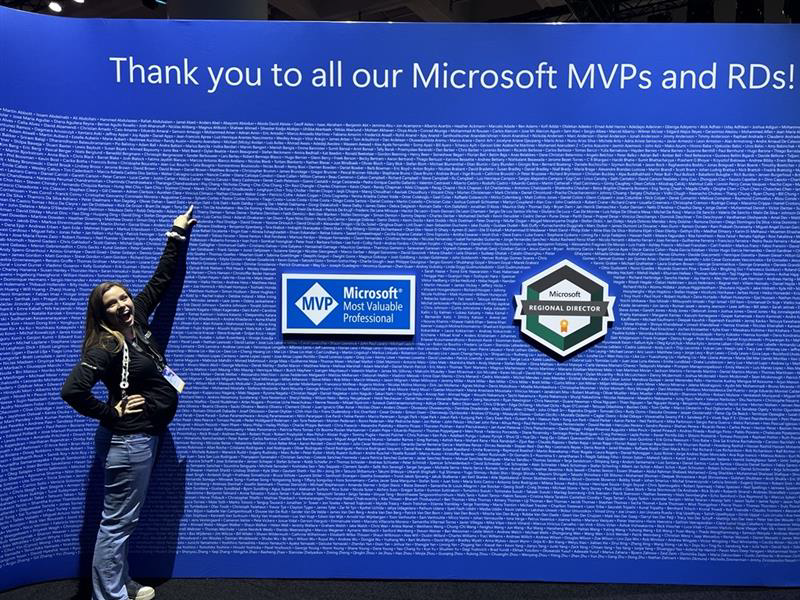
Ignite 2025—Agents, Copilot, and Community
Blogs / Copilot / Microsoft / Microsoft Teams / Power Platform / SharePoint

Ignite 2025—Agents, Copilot, and Community

Posted on: November 26, 2025November 26, 2025

If you’ve been following the whirlwind of announcements from Microsoft Ignite 2025, you know it’s been a season of big ideas, new tools, and plenty of lively discussion. […]
Microsoft Teams – Filter Chats
Microsoft / Microsoft Teams / TechTipTuesday

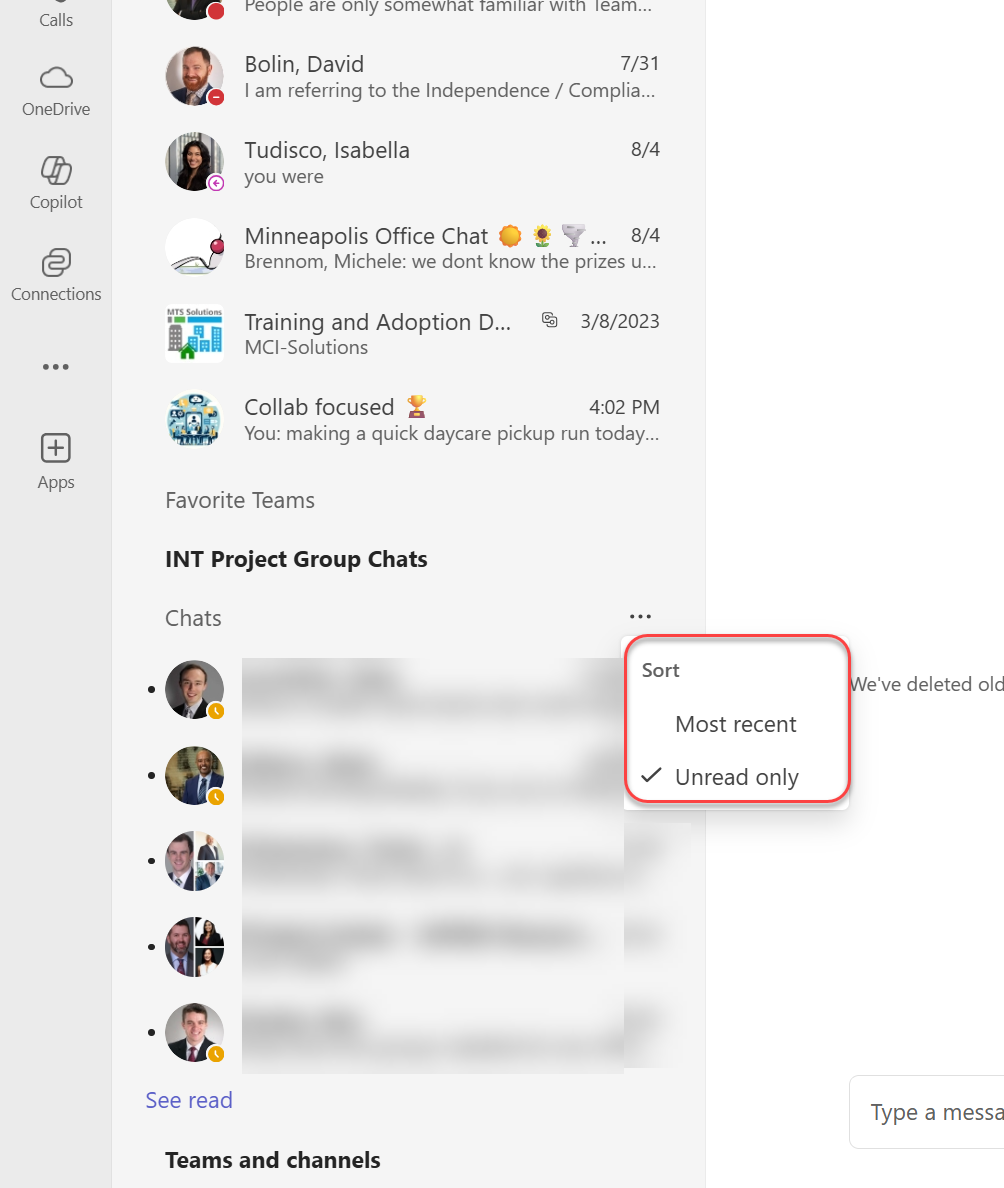
Microsoft Teams – Filter Chats

Posted on: August 5, 2025August 5, 2025

Let’s find a hidden gem 💎 feature in Microsoft Teams for today’s #TechTipTuesday If you’re like me, the introduction of filters was a game changer for ensuring Teams […]
Microsoft Teams – RTT
Microsoft / Microsoft Teams / TechTipTuesday

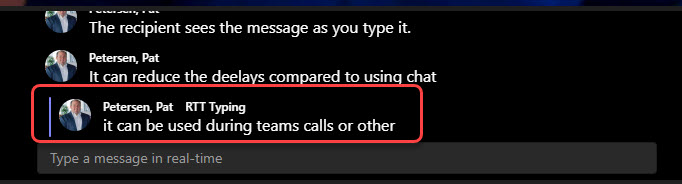
Microsoft Teams – RTT

Posted on: June 24, 2025June 25, 2025

💬 Did you know Microsoft Teams supports Real-Time Text (RTT)? Let’s talk about it for #TechTipTuesday. RTT is a powerful accessibility feature that allows text to be transmitted […]
Microsoft Teams – Built In Timer
Microsoft / Microsoft Teams / TechTipTuesday

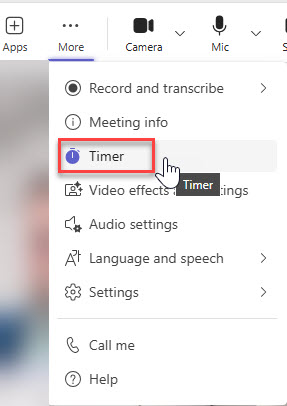
Microsoft Teams – Built In Timer

Posted on: June 17, 2025June 25, 2025

🚨 Tech Tip Tuesday: The New Built-In Timer Feature in Microsoft Teams Great news for Teams users! Microsoft has introduced a built-in timer feature to help keep your […]

Exploring the Versatility of Copilot: A Comprehensive Guide
Blogs / Copilot / Microsoft / Microsoft Teams / SharePoint

Exploring the Versatility of Copilot: A Comprehensive Guide

Posted on: May 15, 2025May 13, 2025

When first describing the capabilities of Copilot as opposed to its Generative AI counterparts, the number of differences between them were easy to spot and fairly obvious. However, […]
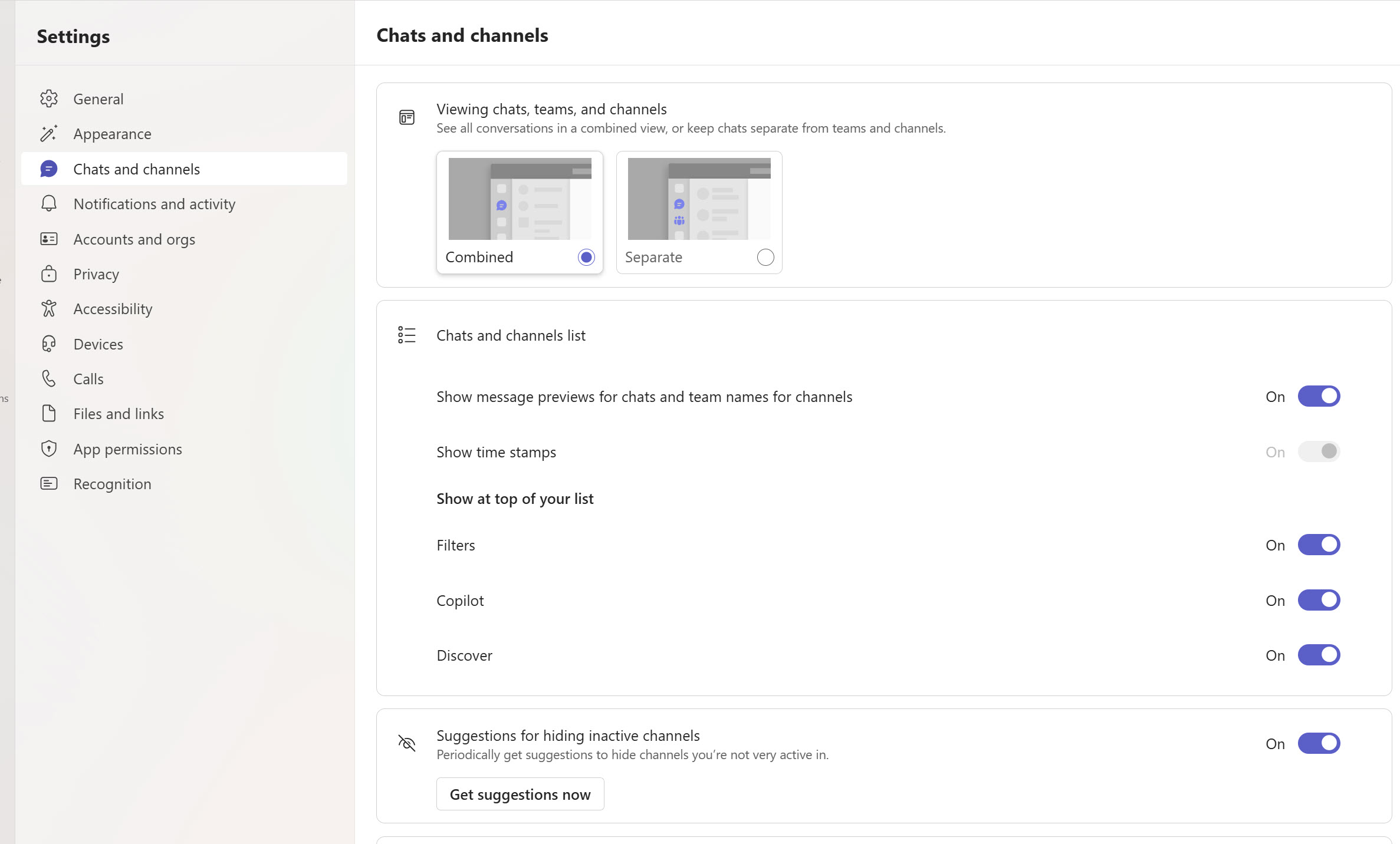
New Teams – Combined vs Separate View
Microsoft / Microsoft Teams / TechTipTuesday

New Teams – Combined vs Separate View

Posted on: April 22, 2025April 22, 2025

Are you team New Teams? Or do you find yourself still looking for that Teams icon in the navigation pane? Wherever you might fall, did you know you […]
Microsoft Teams – Interpreter Agent
Blogs / Copilot / Microsoft / Microsoft Teams / TechTipTuesday

Microsoft Teams – Interpreter Agent

Posted on: April 1, 2025April 1, 2025

The Interpreter Agent is officially live for public preview in Microsoft Teams and is today’s #TechTipTuesday! Kaleb Dombeck and I recorded a little snippet to give you a […]
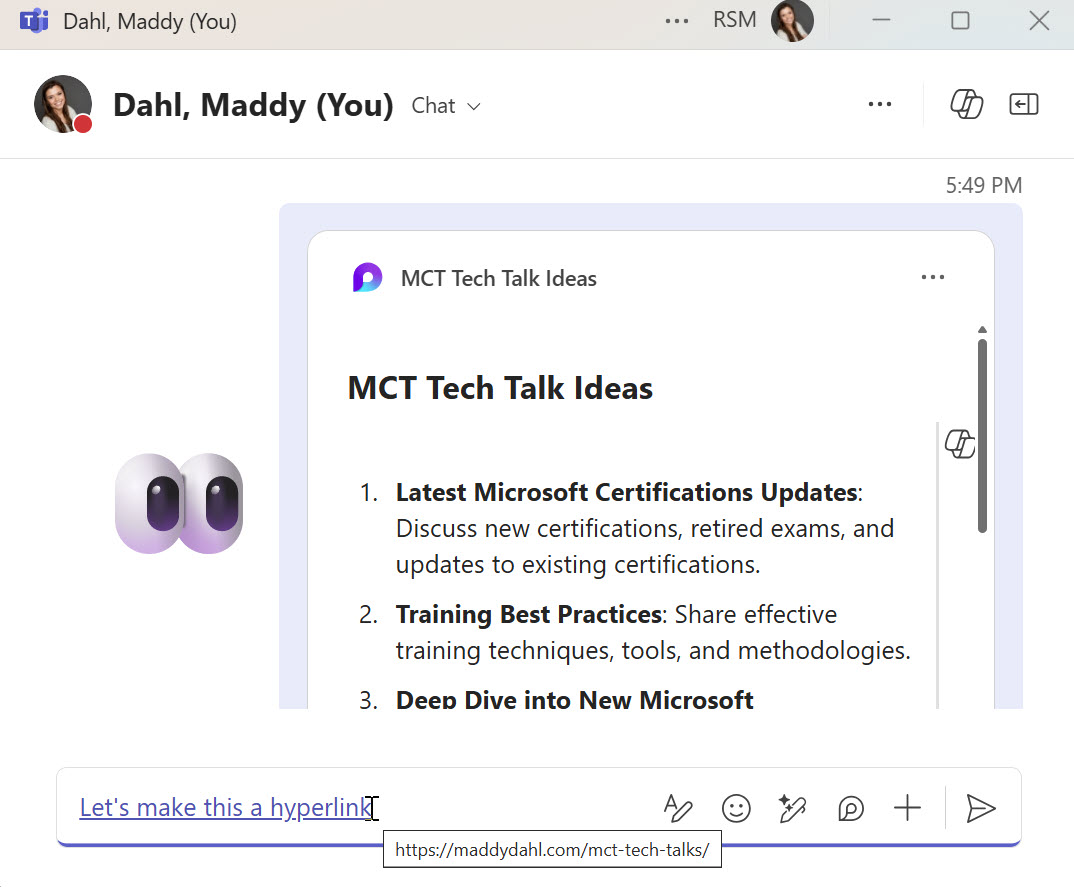
Microsoft 365 – Hyperlink Hack!
Microsoft / Microsoft Teams / SharePoint / TechTipTuesday

Microsoft 365 – Hyperlink Hack!

Posted on: February 24, 2025February 24, 2025

Am I the only one who can’t stand the number of clicks it takes to associate a link with specific text? Find link, select insert, fill in text […]
The Future of Collaboration Starts with Copilot in Teams
Blogs / Copilot / Microsoft

The Future of Collaboration Starts with Copilot in Teams

Posted on: February 4, 2025February 4, 2025

As the digital workplace continues to evolve, Microsoft Teams has emerged as a central hub for collaboration and communication. With all its integrations, it came as no surprise […]
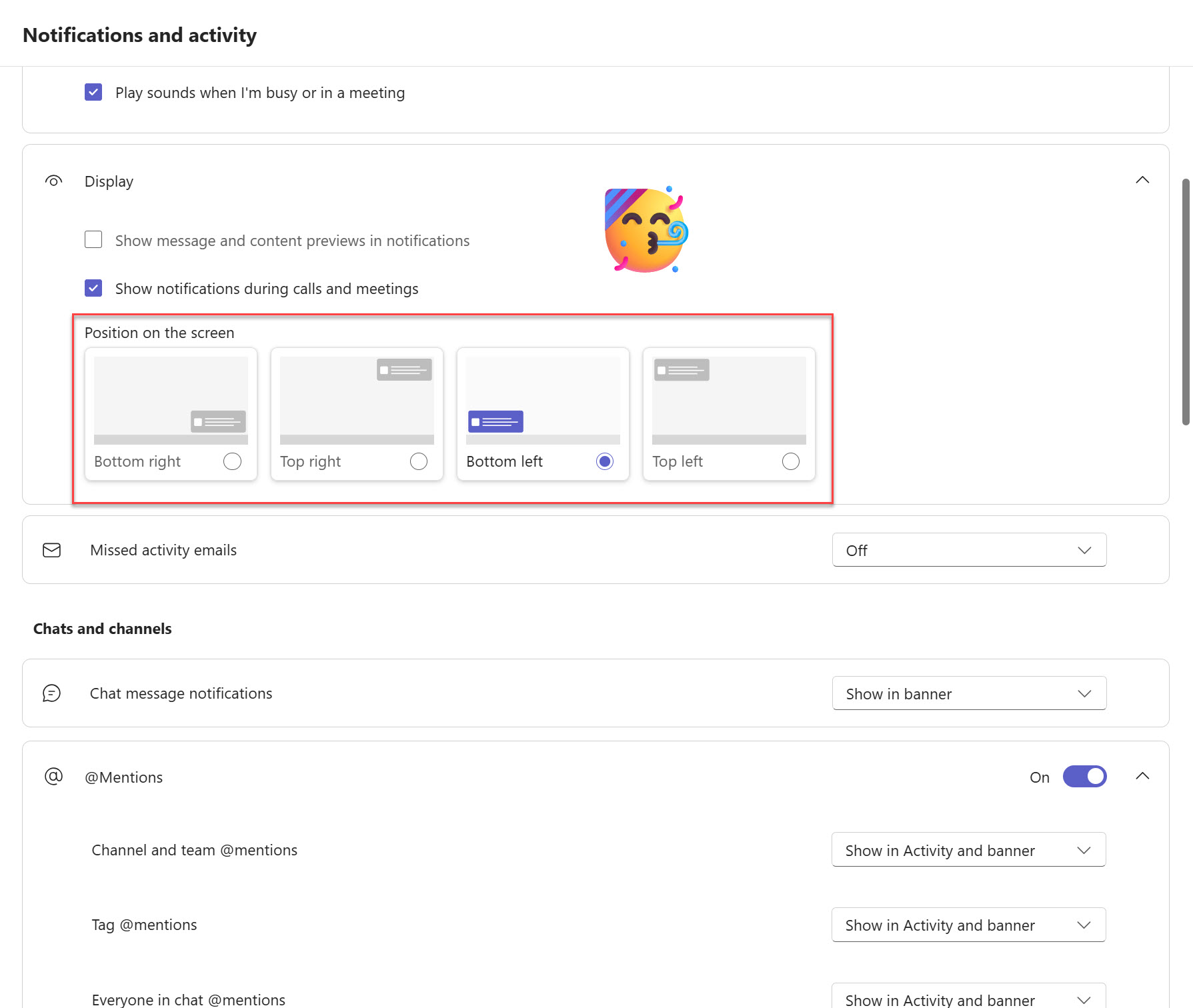
Microsoft Teams – Change popup position
Microsoft / Microsoft Teams / TechTipTuesday

Microsoft Teams – Change popup position

Posted on: February 3, 2025February 3, 2025

Do you have multiple monitors? Is it hard to tell when that pop-up appears for a new Teams notification? Lucky for you the solution may just be today’s […]

Posts pagination

Page 1 Page 2 Next page

Welcome!

Recent Posts

  • Ignite 2025—Agents, Copilot, and Community
  • My First Keynote Experience
  • Your Newest Teammate: The Channel Agent
  • Copilot Chat Collaboration!
  • Moving your “Lite” Agents to Full Studio
  • LinkedIn
  • X

Pages

  • About Maddy
  • Blogs
  • MCT Tech Talks
  • Tech Tip Tuesday

Categories

  • Blogs
  • Copilot
  • Microsoft
  • Microsoft Teams
  • Planner/To Do
  • Power Platform
  • SharePoint
  • TechTipTuesday

Site icon designed by dDara from Flaticon

"Time is free, but it’s priceless. You can’t own it, but you can use it. You can’t keep it, but you can spend it. Once you’ve lost it, you can never get it back.”

All glory to God.
Theme Headstone Blog Powered by Kantipur Themes